top of page


how to use icons
1. Open shortcuts app and tap on "+" icon in top right

2. Tap on "Add Action"
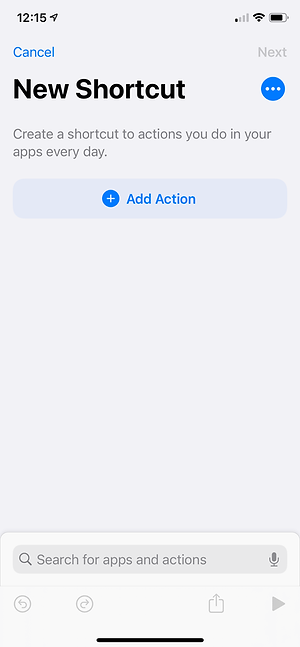
3. Tap on "Scripting"

4. Tap on "Choose"

5. Tap on "Open App" and choose an app

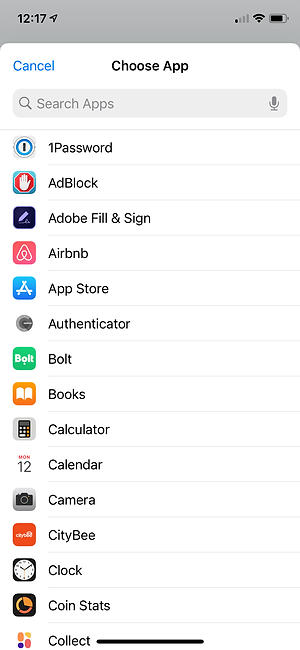
6. I've chosen Twitter as an example. Now tap on the Share icon at the bottom.

7. Tap on the "Add to home screen" at the bottom

8. Tap the icon button and it'll bring up the option to choose your icon — you can choose from your Files app or Photos app, depending on where you saved your icons

9. Tap on "Add" in the top right and it'll add it to your homescreen

10. Tap on "Next" in the top right

11. Give your shortcut a name and then tap on "Done" in the top right.

12. You're done! Now repeat for each icon.
bottom of page